What the walkthrough covers
EasyLedger is desktop accounting software for small businesses — your books live on your own computer, with no subscription and no cloud lock-in. The slideshow above steps through every core screen, from first-time setup to everyday bookkeeping, so you can see exactly how the software works before you download it.
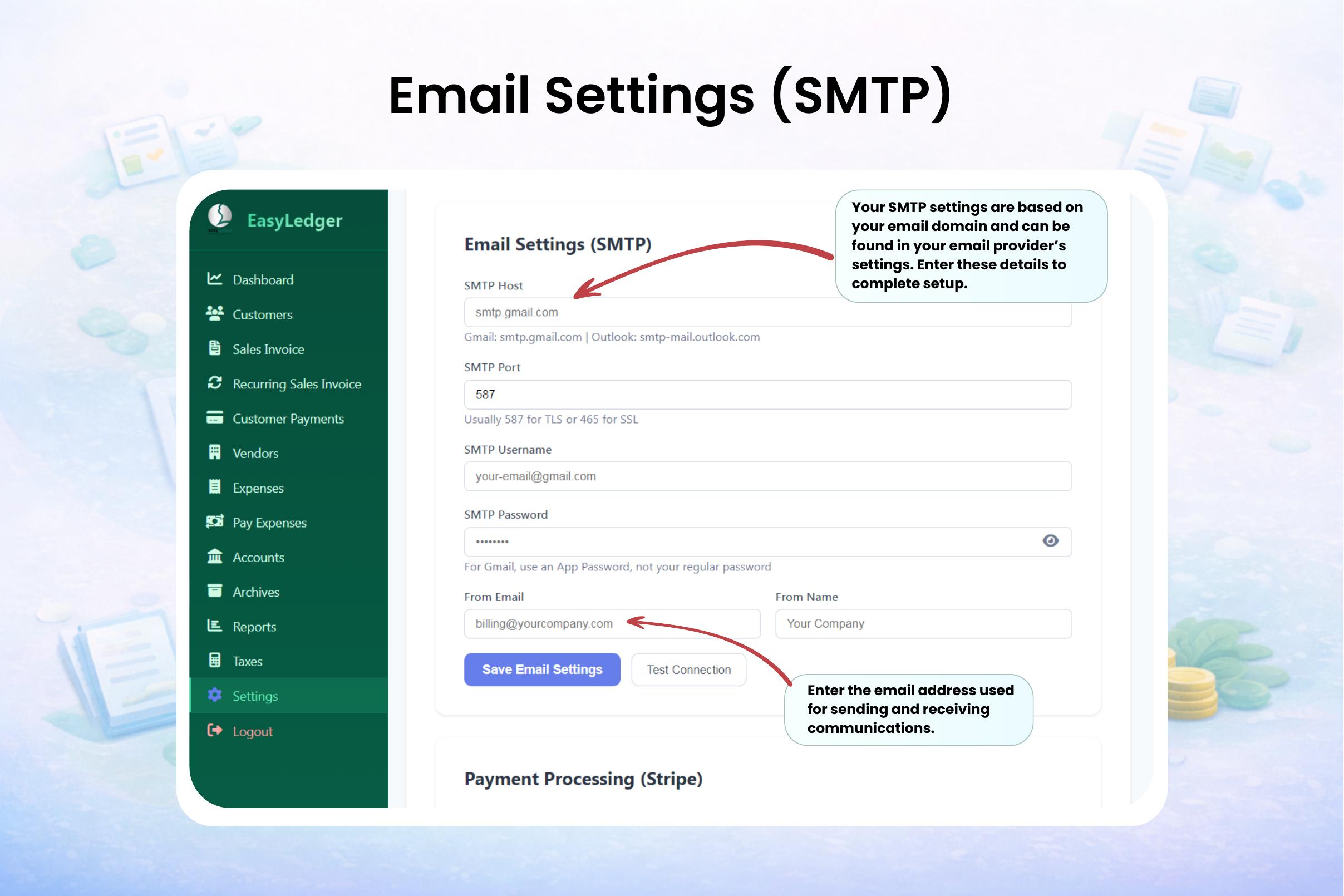
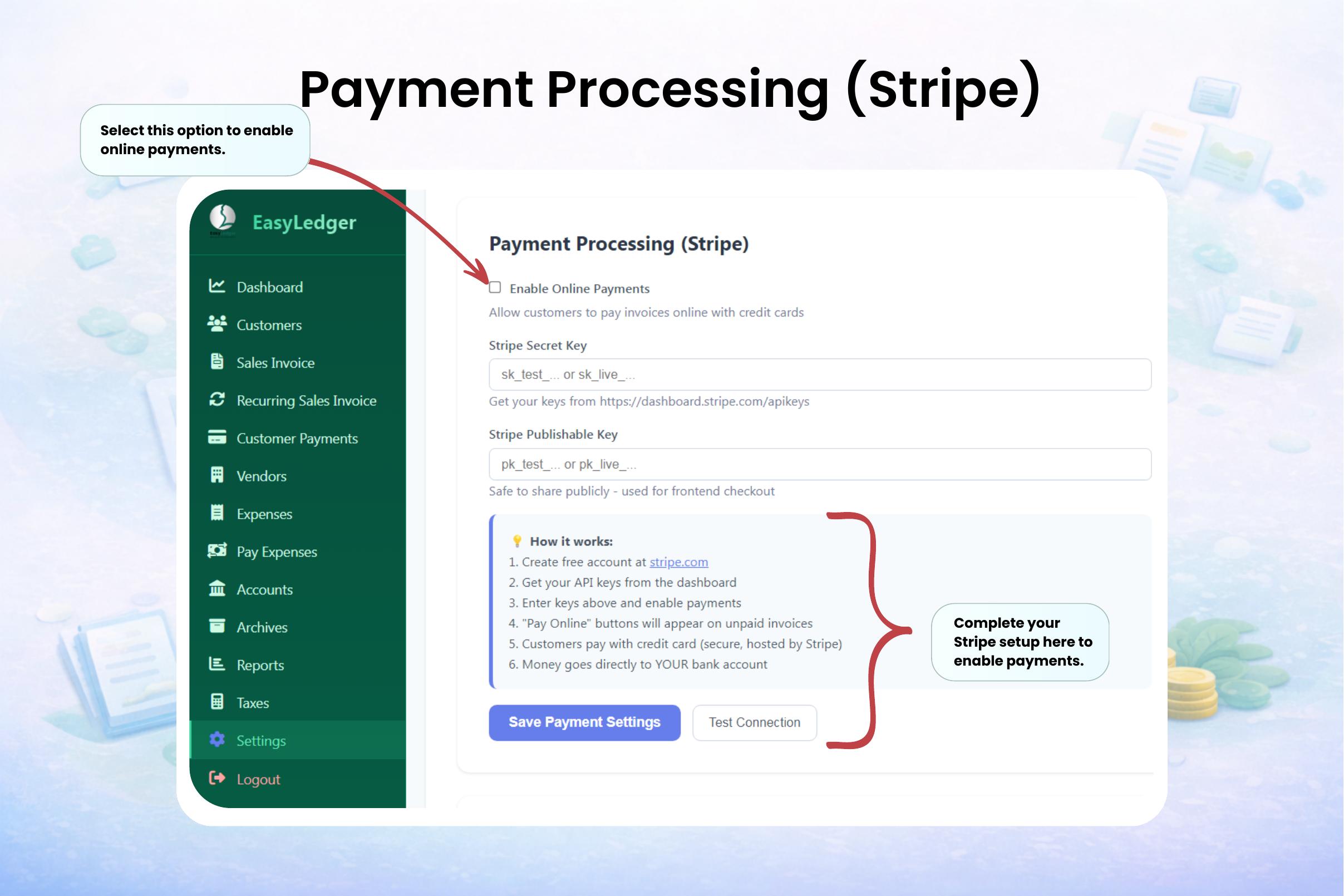
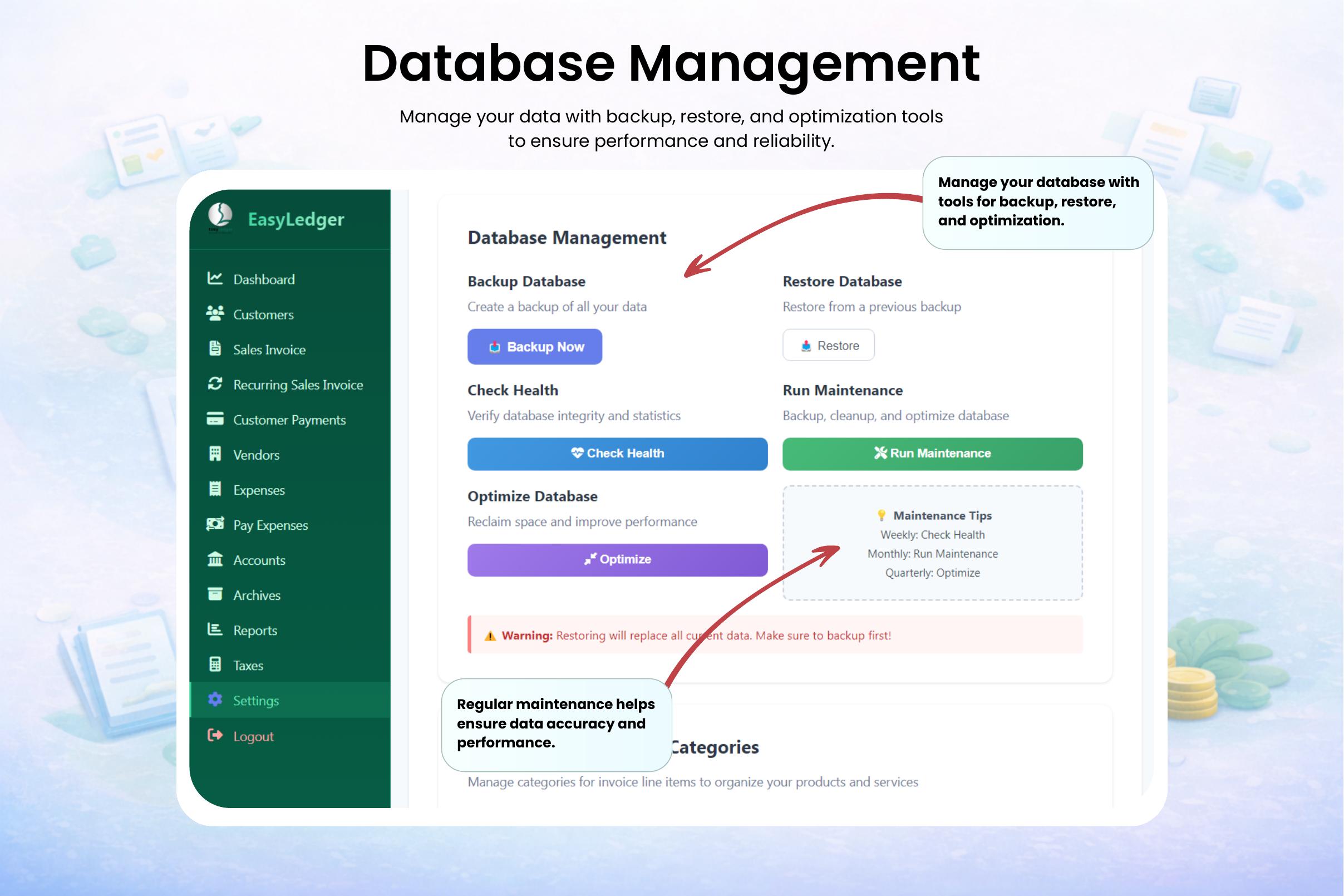
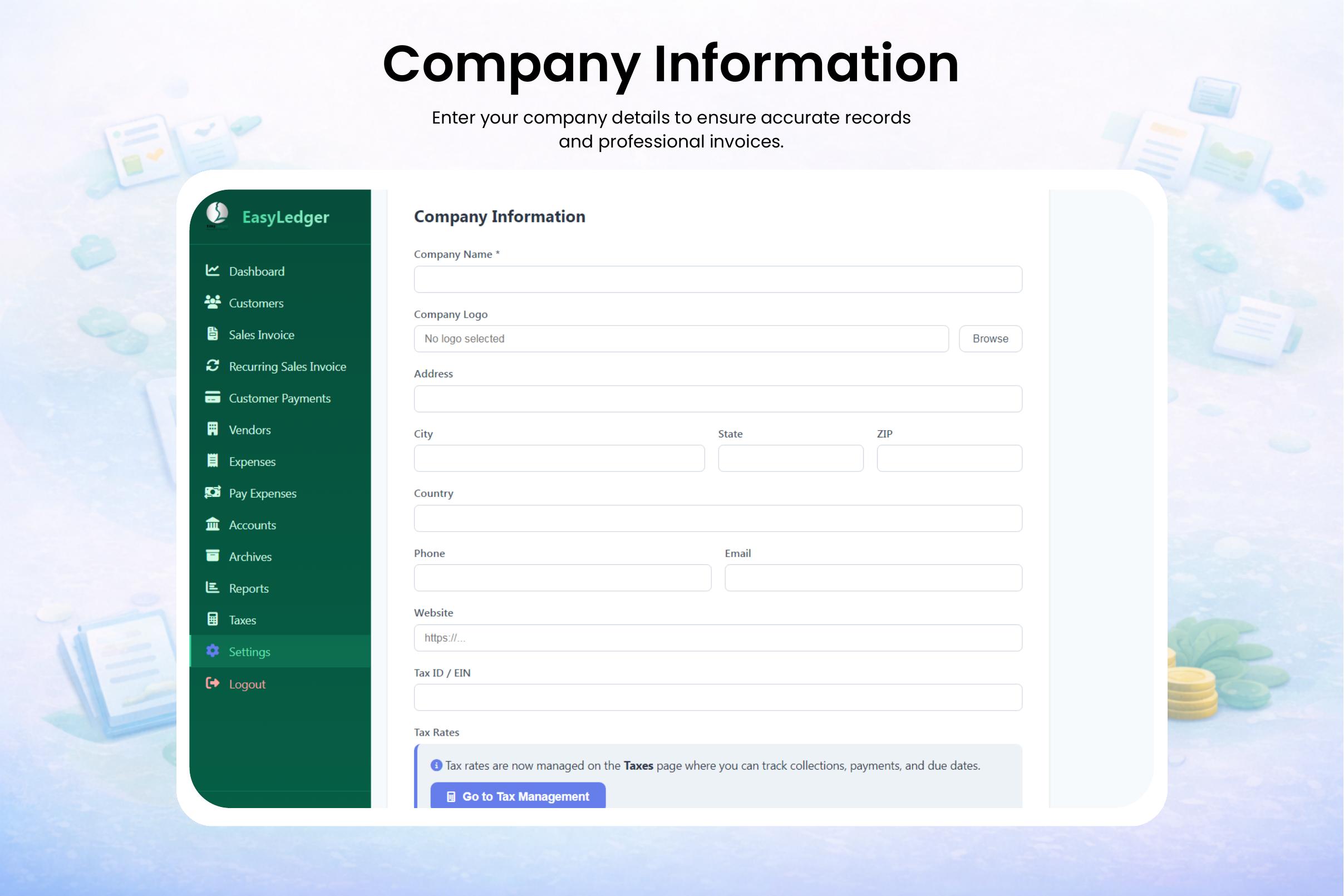
- Setup: company info, email/SMTP, Stripe payment processing, and database management.
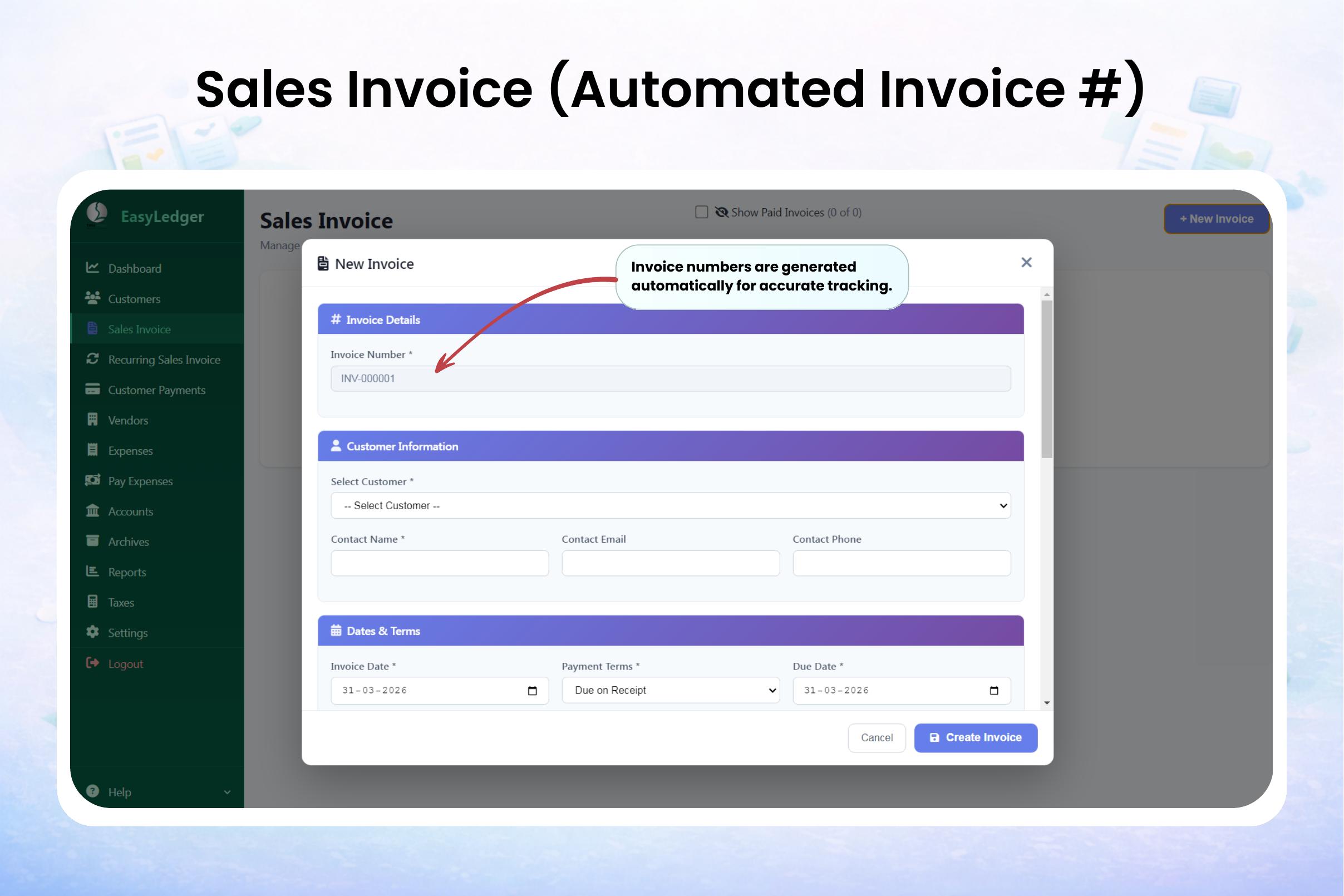
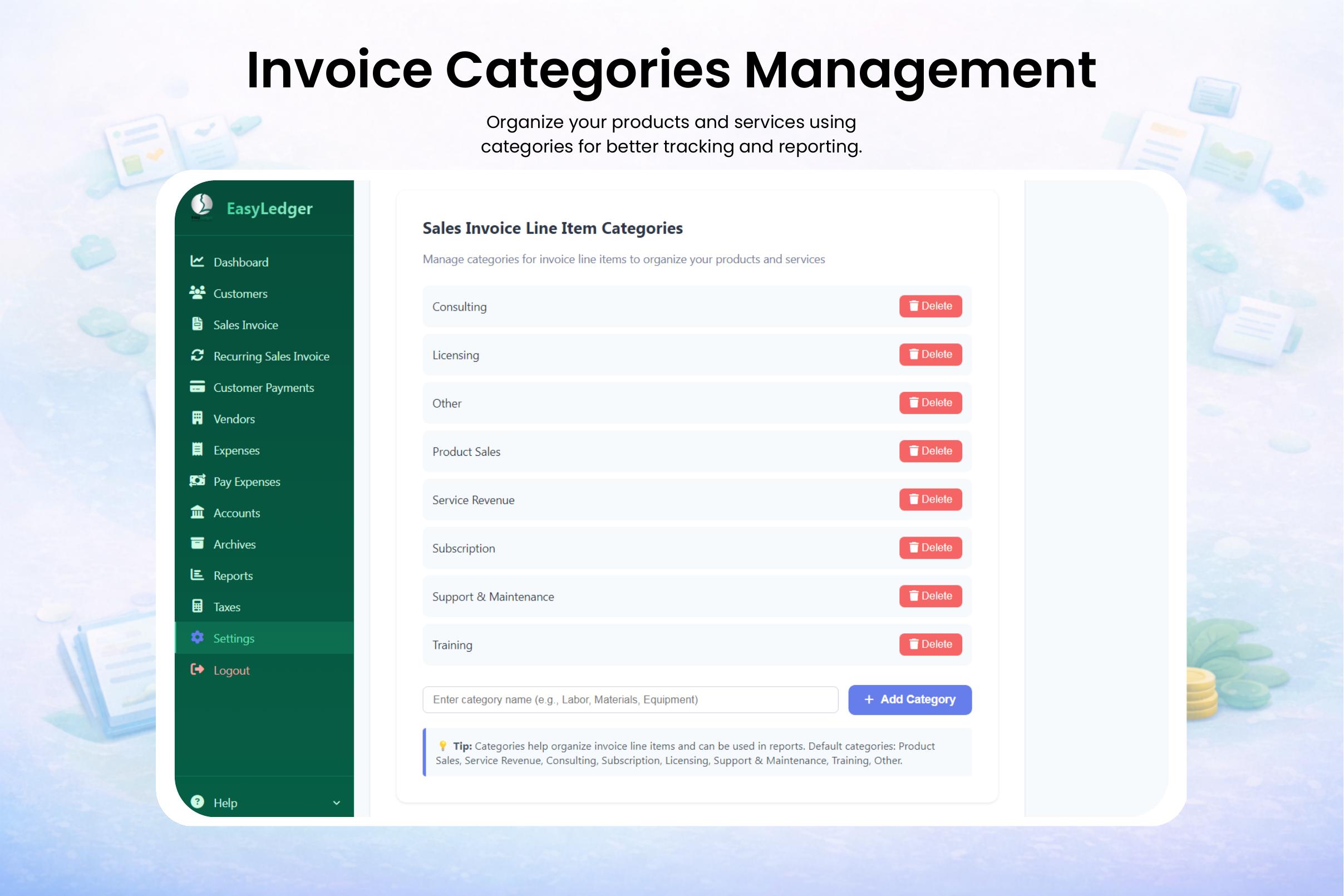
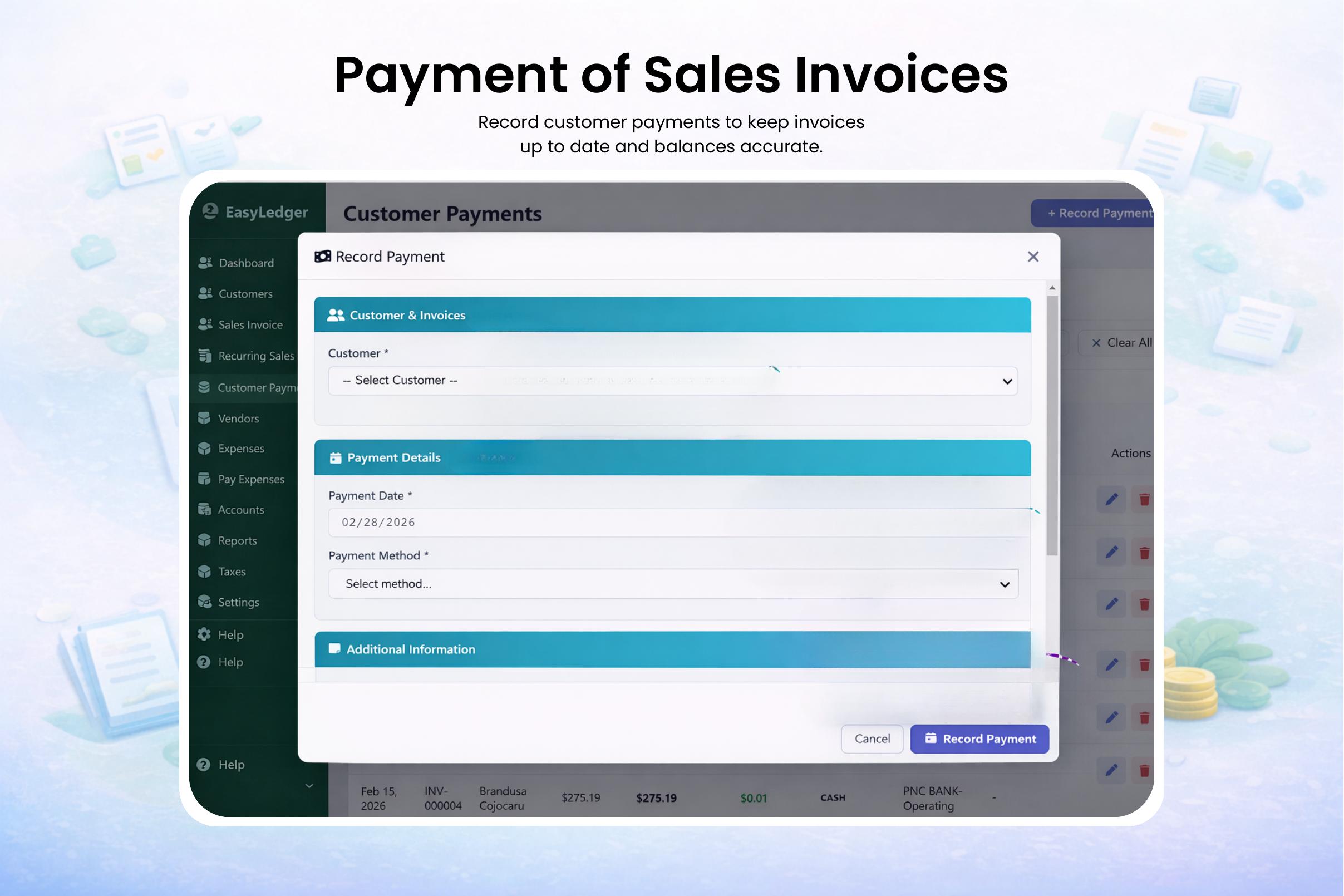
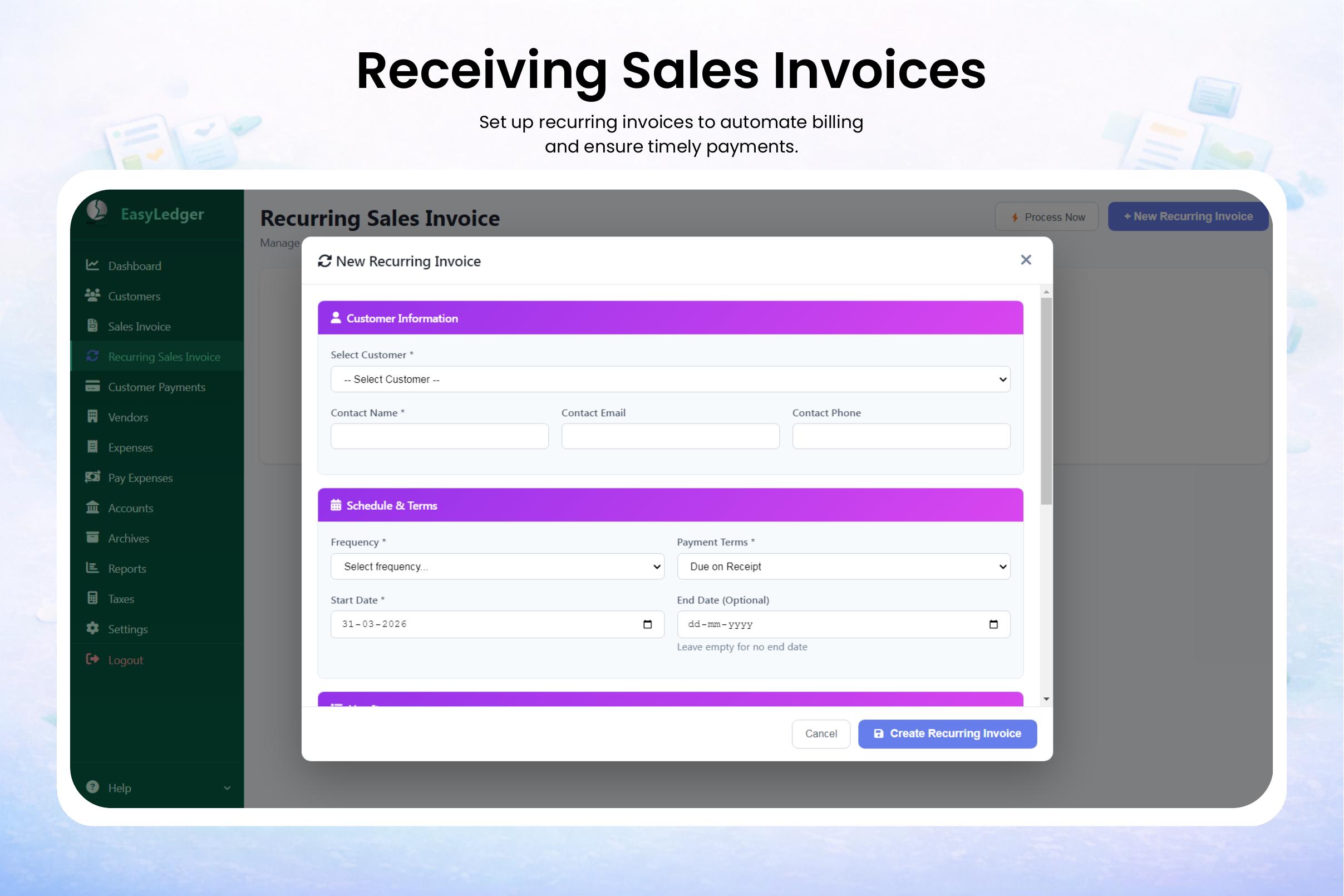
- Money in: sales invoices with automatic numbering, invoice categories, and receiving and recording payments.
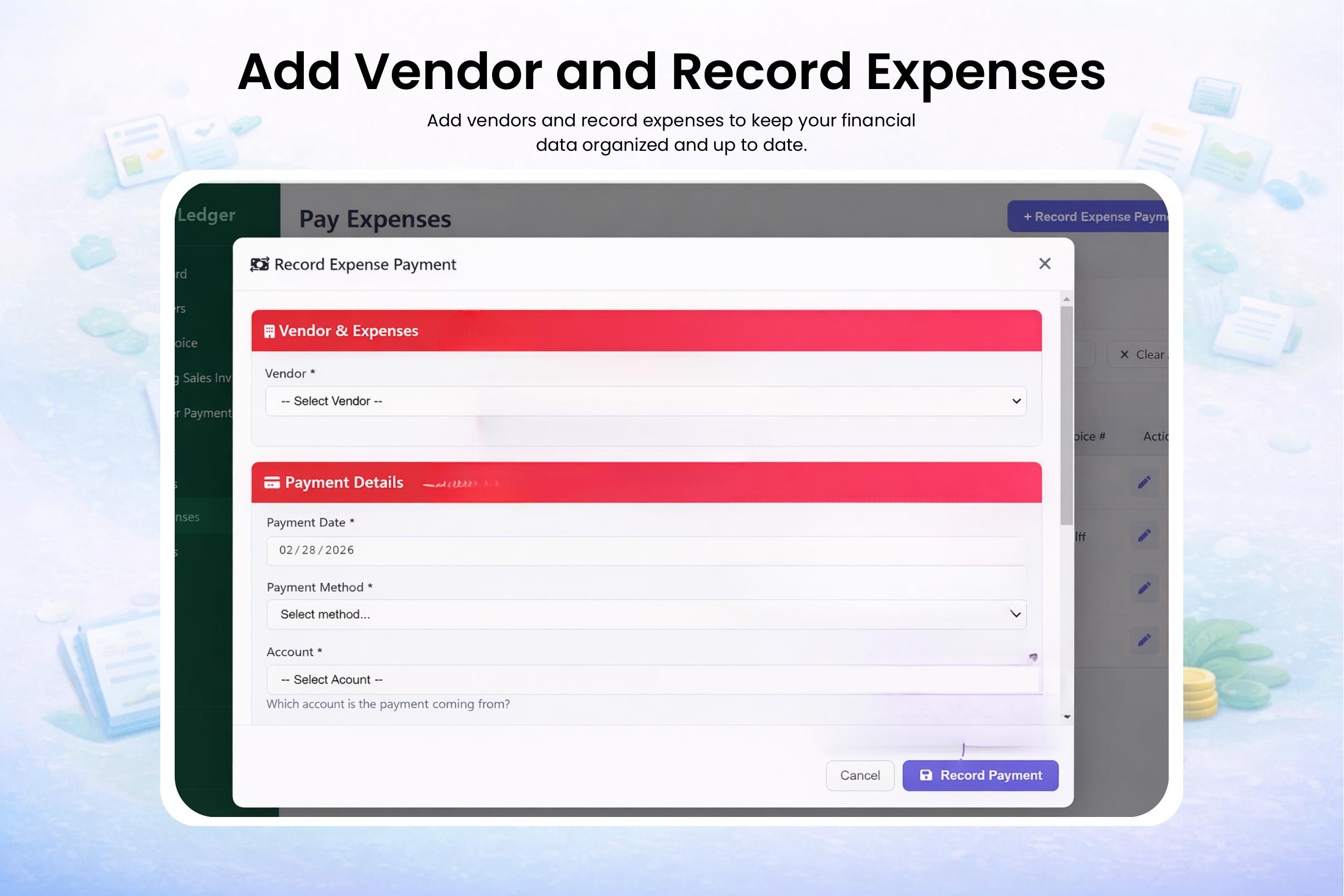
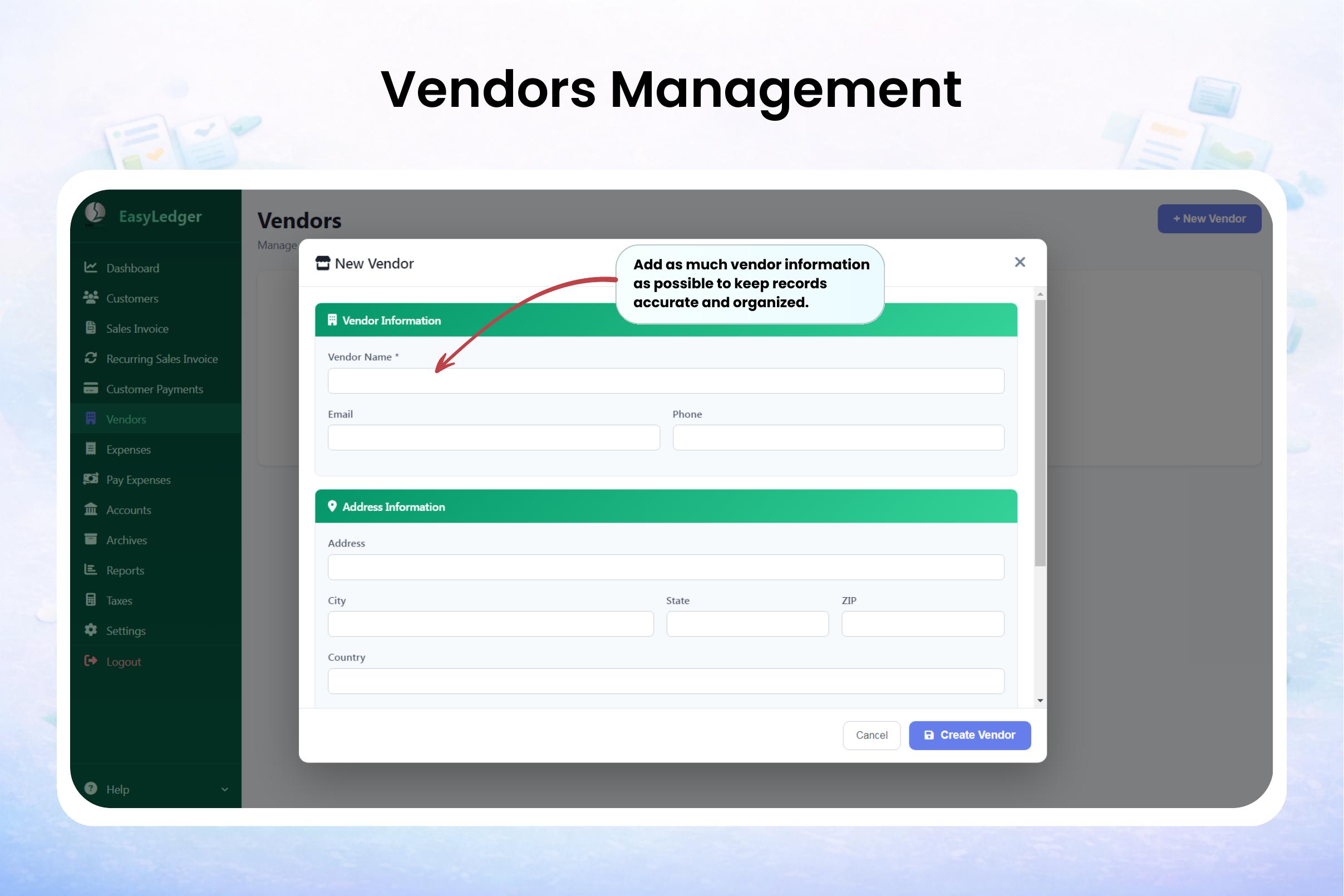
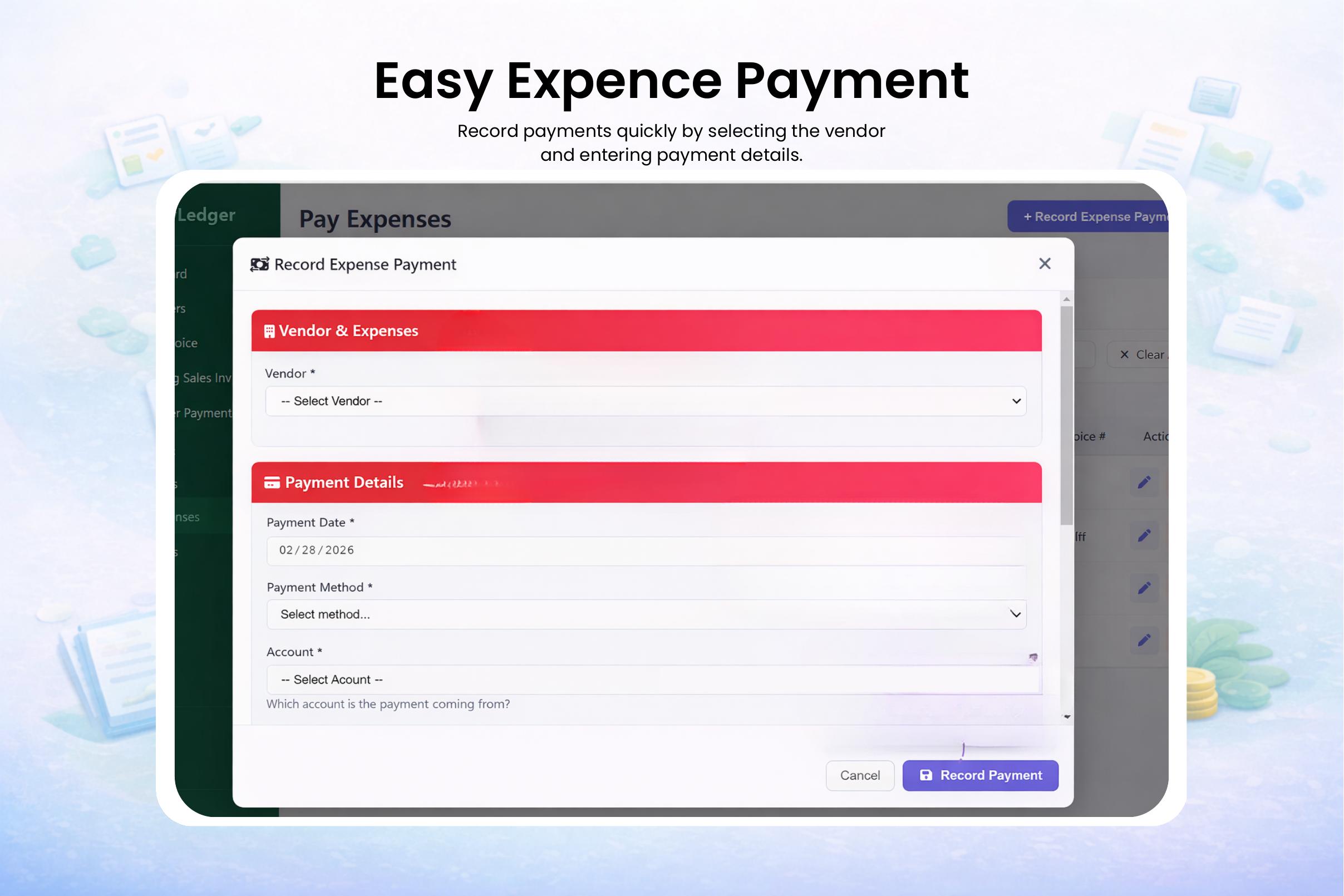
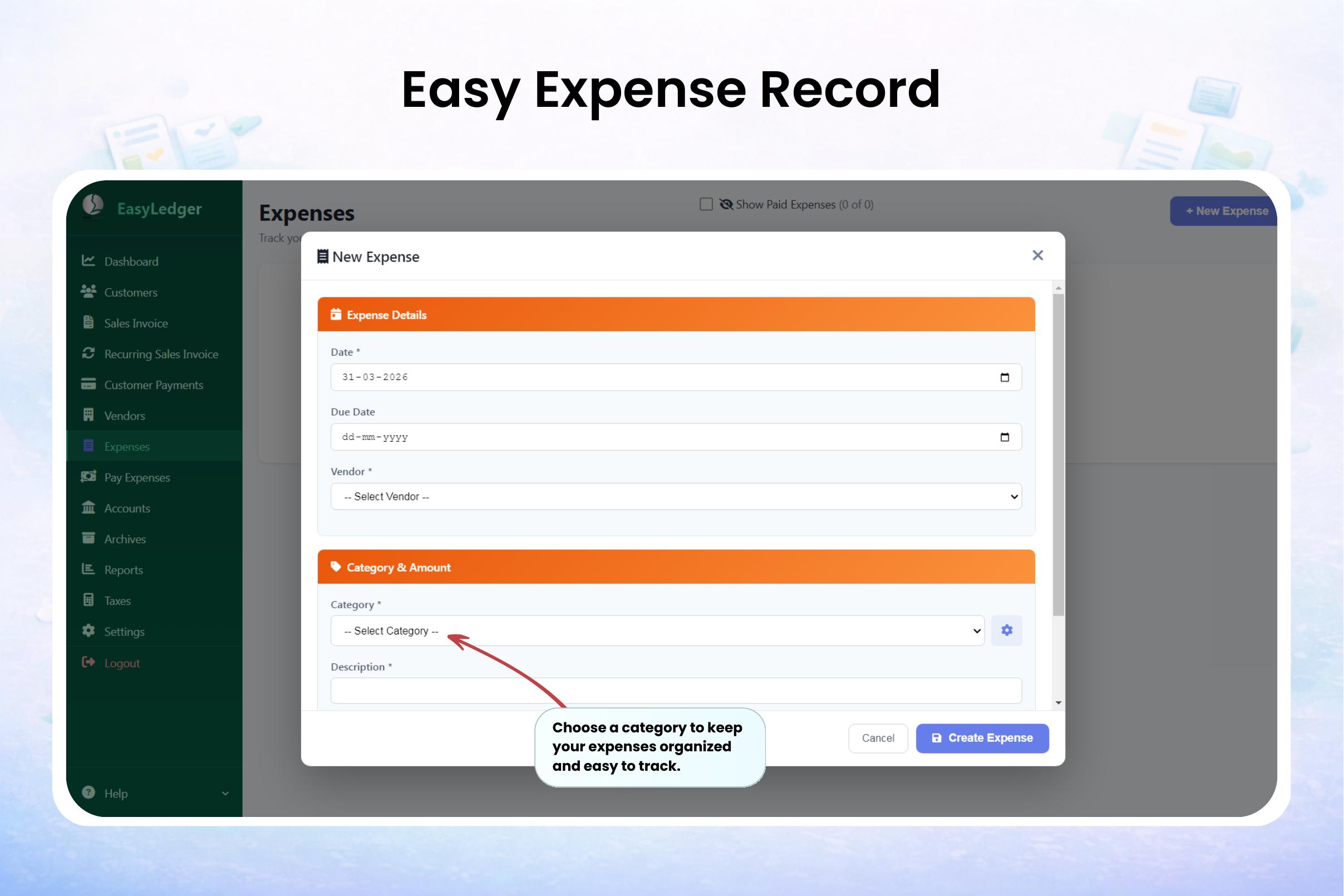
- Money out: adding vendors, recording expenses, paying them, plus full vendor management.
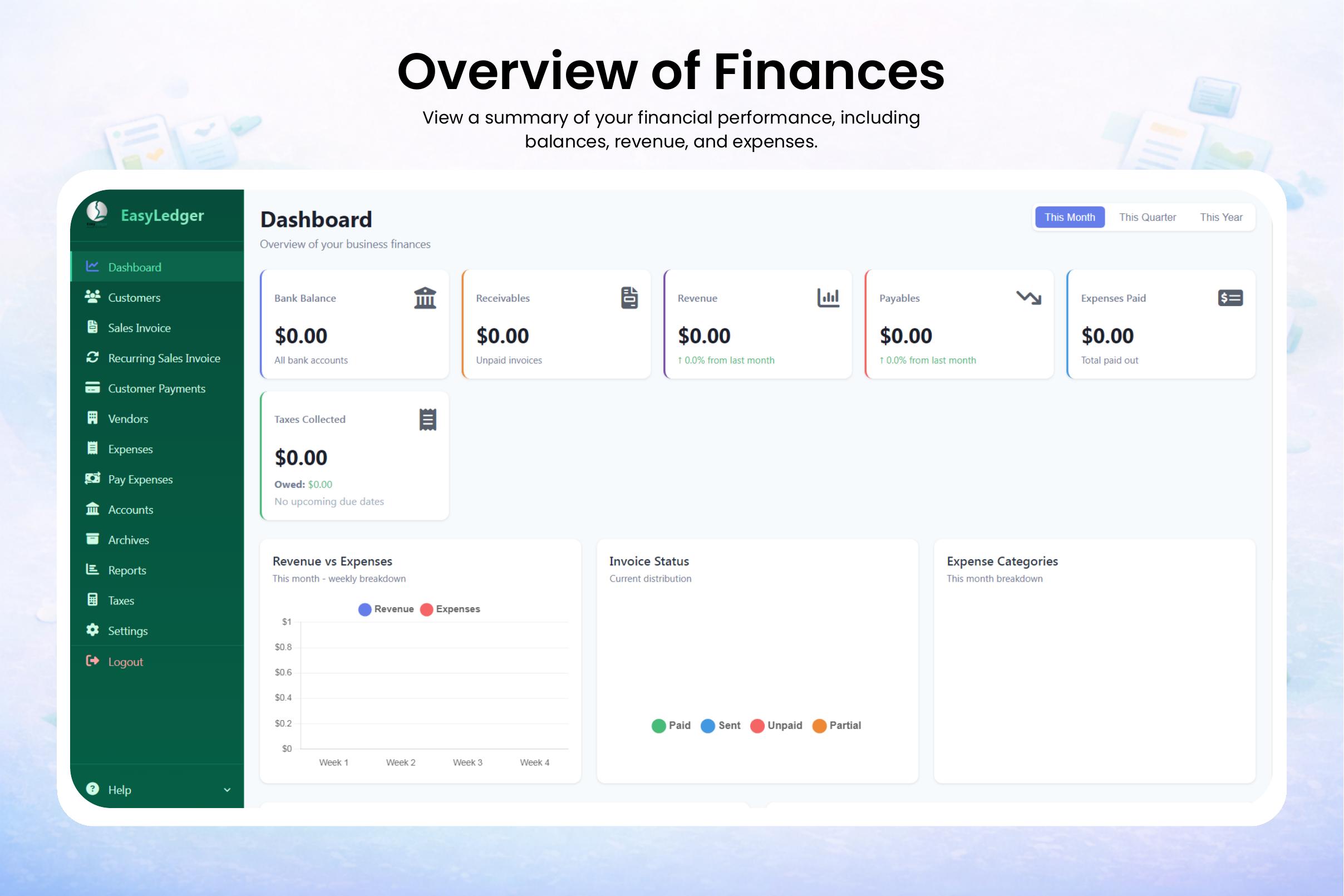
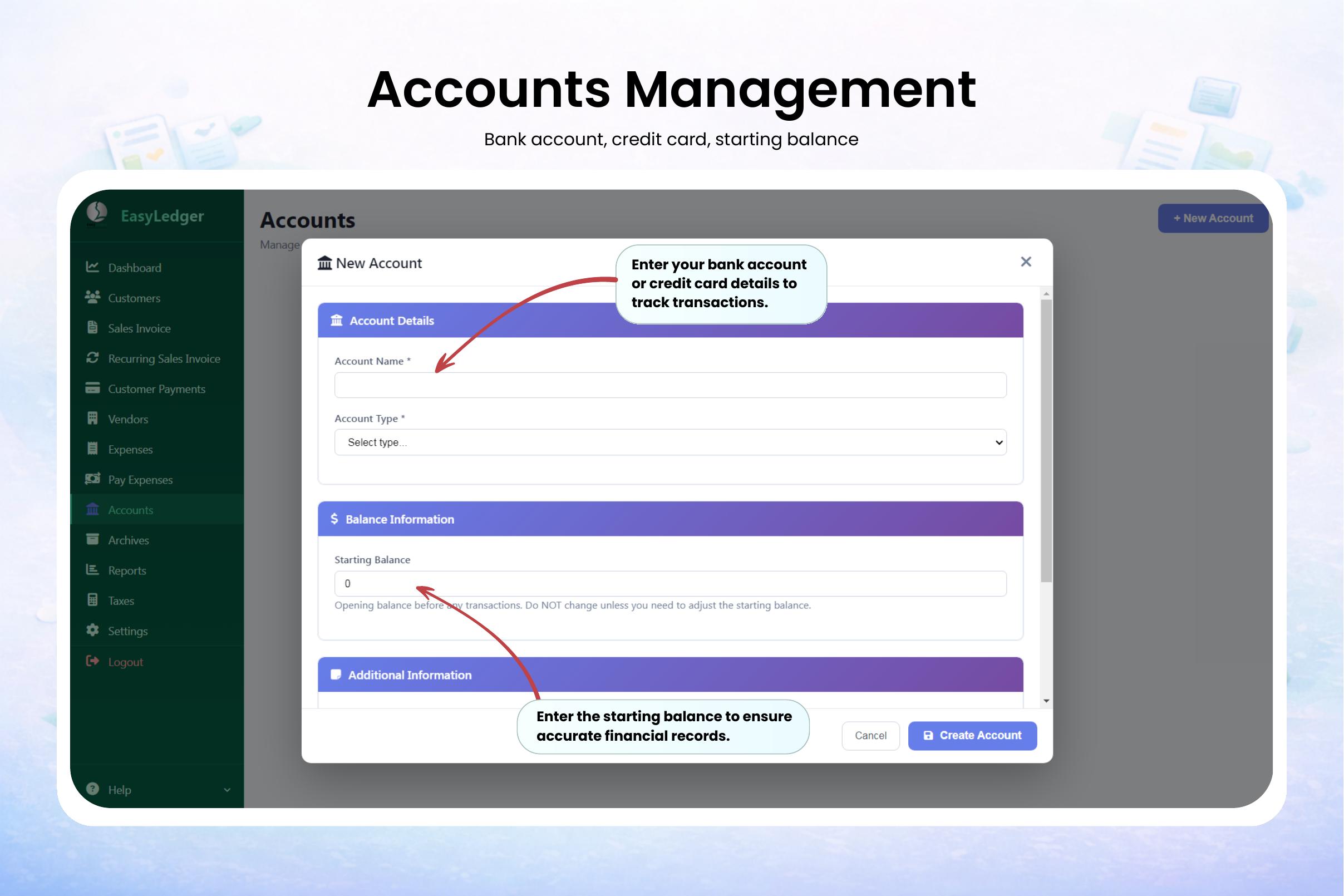
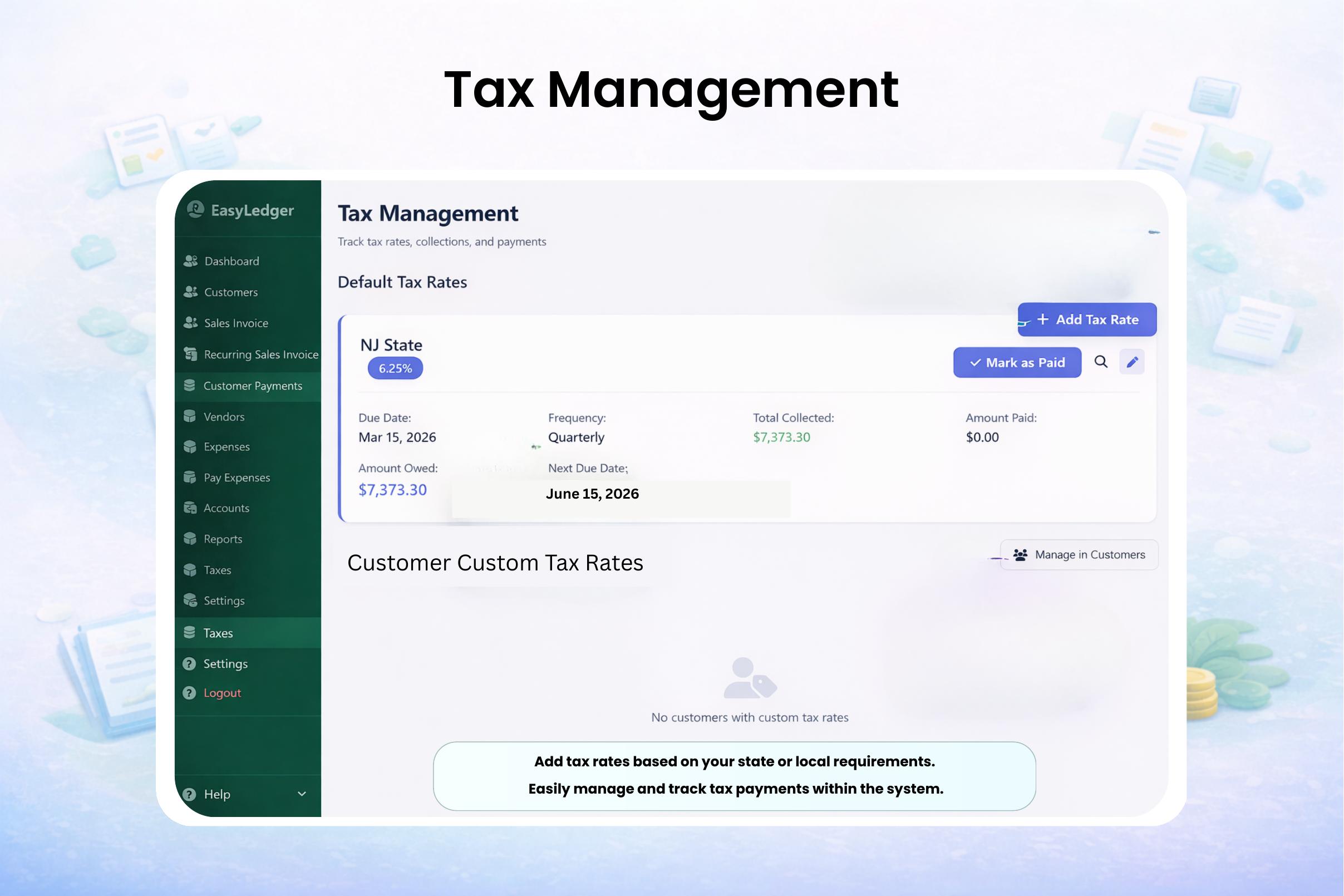
- Your books at a glance: a finances overview, accounts, and tax management with automatic calculations.
New to the software? Walk through the full setup in our complete getting-started guide, then learn how to create professional invoices and how to organize your expenses for tax season.
Ready to try it yourself? Download EasyLedger for a one-time $299 — see the pricing page for details.